IDA treats a union as a special kind of struct, so you need to create it on IDA’s Structures page:
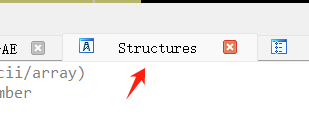
Step 1: Open the Structures page:
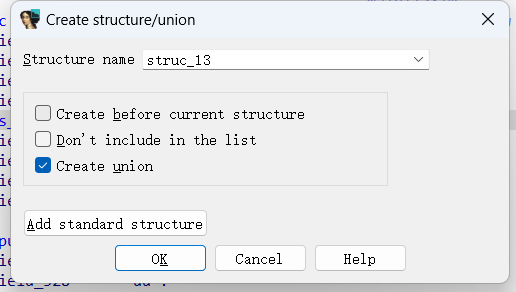
Step 2: Press Insert and check union:
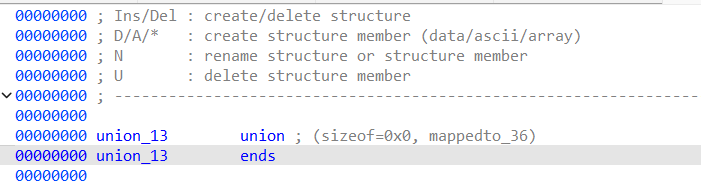
 A union with no members looks like this:
Step 3: Press D at the ends position to add a new member. The example below adds two members:
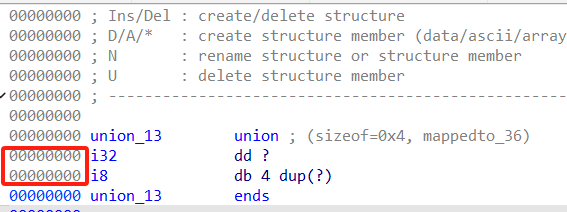 You can see that both members start at offset 0.
PS: If you want to add struct members, create a separate struct type first, then add it to the union.